Account Settings
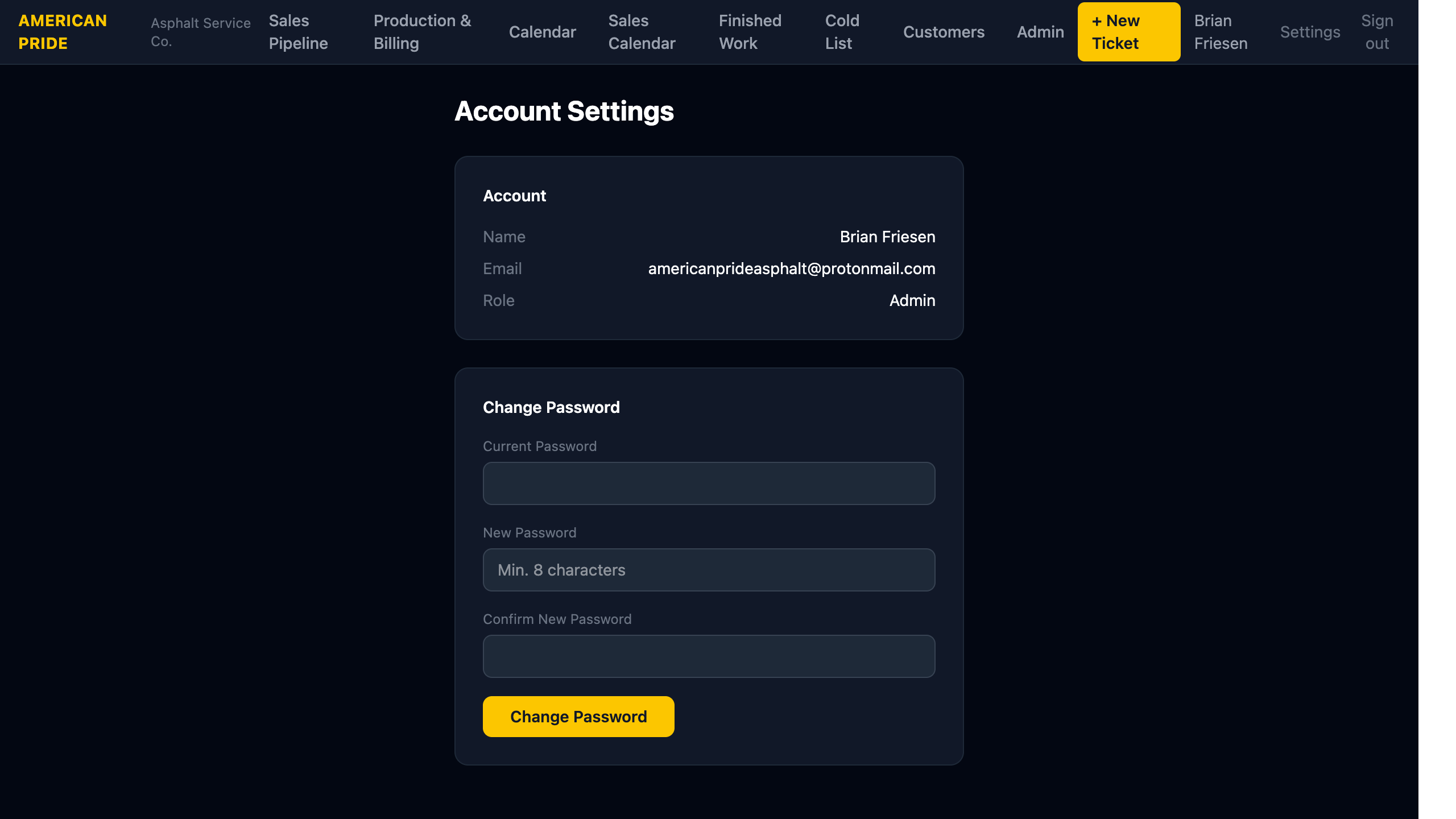
The Settings page lets you view your account details and change your password.
Account Info
Your name, email address, and role (Admin or Staff) are shown here. Contact an Admin if any of these details need to be updated.
Changing Your Password
- Enter your Current Password.
- Enter a New Password (minimum 8 characters).
- Re-enter the new password in Confirm New Password.
- Click Change Password.
If successful, your password is updated immediately. If the current password is incorrect, an error message will appear.
Forgot Your Password?
If you can't log in at all, use the Forgot your password? link on the login page instead.