Sales Calendar
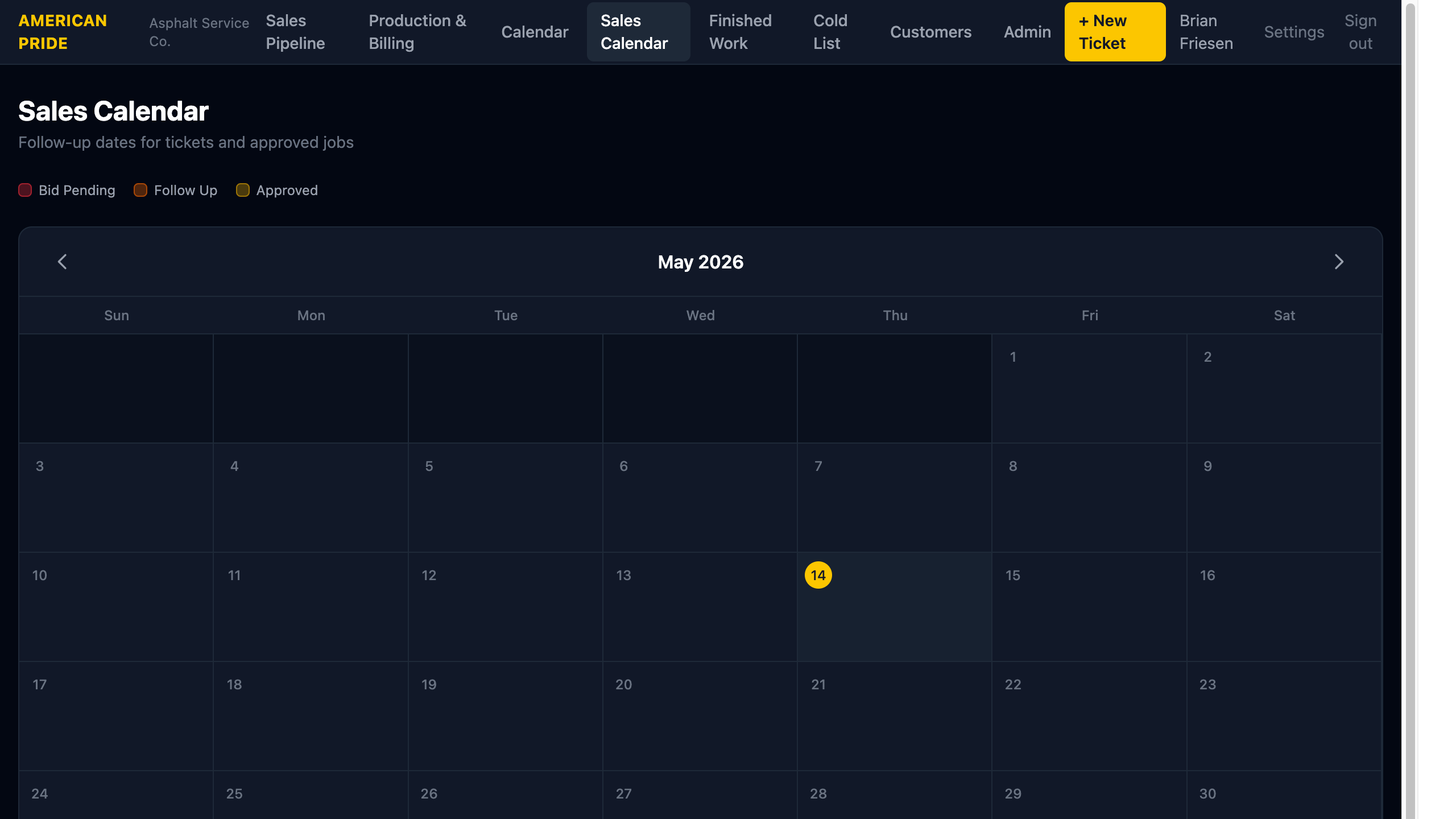
The Sales Calendar shows follow-up due dates for open tickets and approved jobs. It helps you see at a glance which customers need to be contacted on any given day.
How It Works
Whenever you add a note to a ticket or job with a Follow-up due date, that date appears on this calendar. The event is color-coded by the status of the parent record:
| Color | Status |
|---|---|
| 🔴 Red | Bid Pending (Submit Bid) |
| 🟠 Orange | Bid Submitted (Follow Up) |
| 🟡 Yellow | Approved job |
Click any event to open the ticket or job it belongs to.
Use the ← → arrows to navigate between months.
Daily Triage
Use the Sales Calendar at the start of each day to see who needs a follow-up call or email. Clicking an event takes you straight to the record where you can add a new note and set the next follow-up date.
TIP
If you sort the Sales Pipeline by By Follow-Up, you get the same information as a list. The calendar gives you a visual date-based view of the same data.