Finished Work
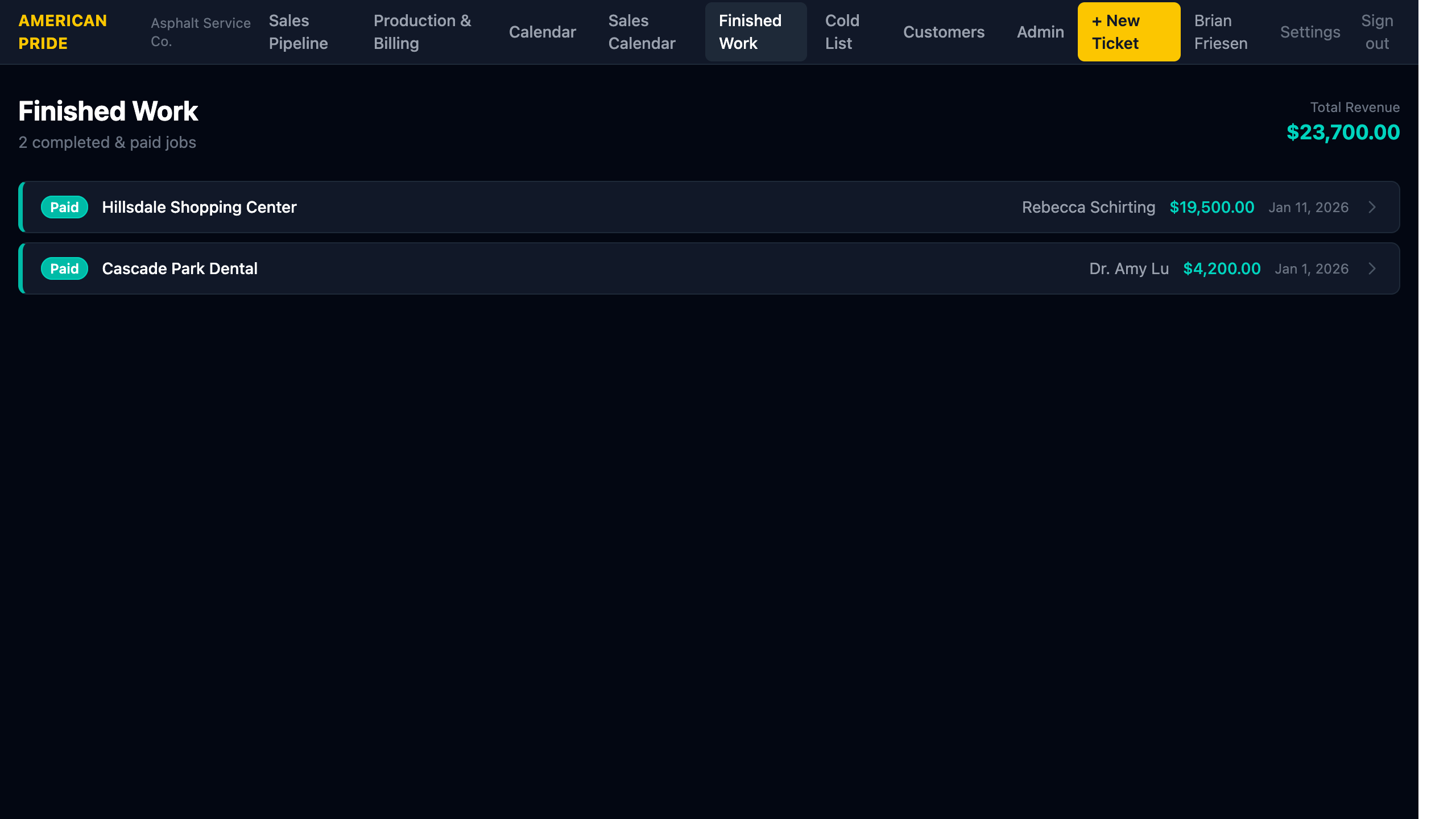
Finished Work shows all jobs with status Paid — work that is fully complete and paid for.
What You See
Each row shows:
- Paid badge (teal)
- Property name
- Contact name
- Revenue amount
- Payment date
The Total Revenue for all paid jobs is displayed in the top-right corner of the header.
Marking a Job as Paid
From the Job detail page, use the Change Status dropdown and select Paid. The job immediately moves to Finished Work and is included in the revenue total.
Revenue Total
The revenue total shown includes only jobs with status Paid. Jobs that are Completed, Invoiced, or Overdue are not counted here — they appear in Production & Billing until payment is received.