Customers
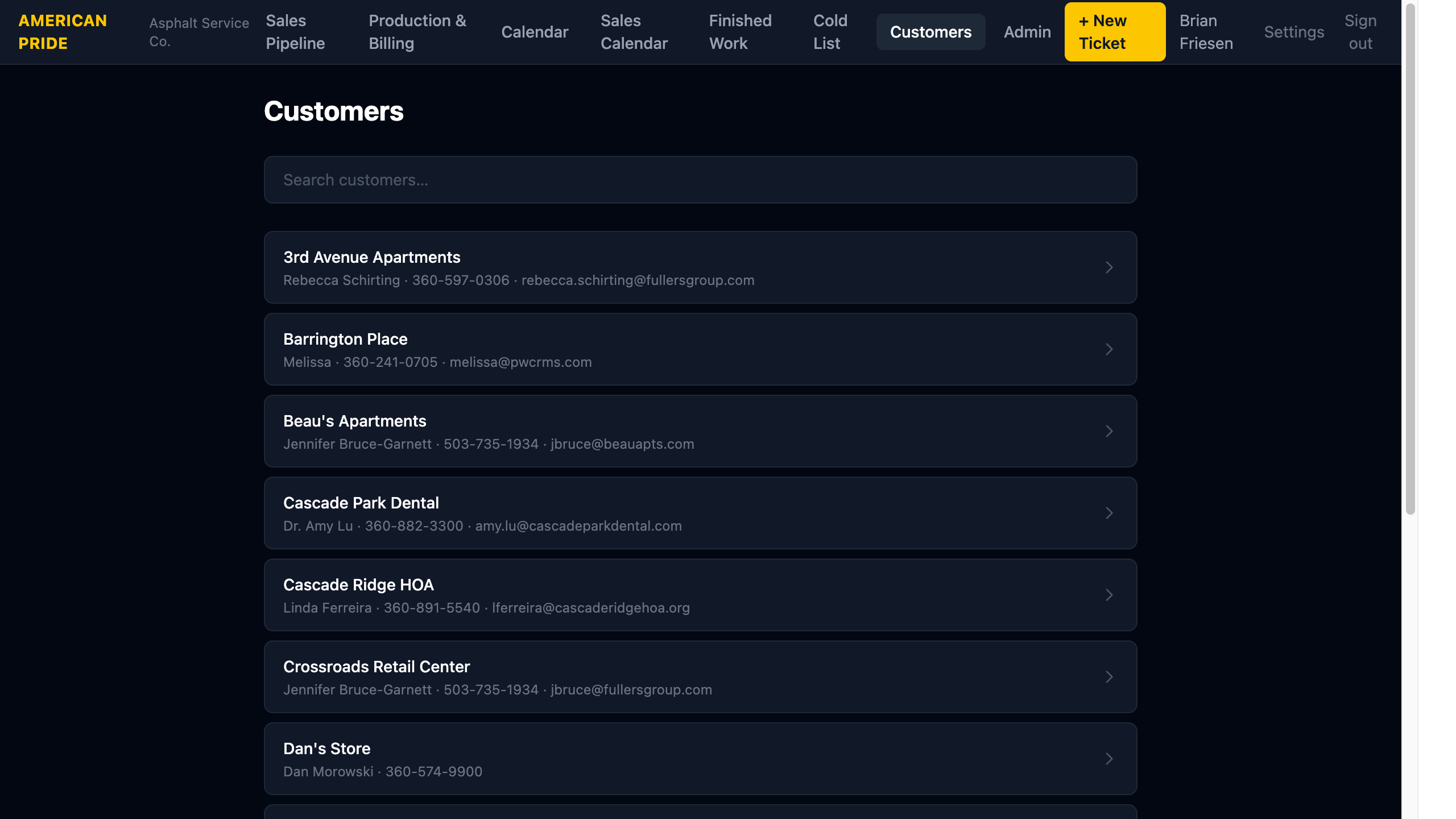
The Customers page is a searchable directory of all customers in the system — both active and historical.
Searching
Type in the search bar to filter by:
- Property name
- Contact name
- Email address
- Phone number
Results update as you type.
Customer Records
Click any customer to open their detail page, which shows:
- Full contact information (name, property management company, phone, alt phone, email, address)
- A complete history of all tickets and jobs linked to this customer
How Customers Are Created
Customers are created automatically when you create a new ticket using + New Customer, or when you search for and select an existing customer on the New Ticket form.
You don't manage customers directly — they exist as a shared contact record that tickets and jobs link to. This means if two jobs are for the same property, the Customer Work History will show both.
Work History Matching
Work history is matched by property name or contact name. This means that even if a customer was entered slightly differently on different tickets, the system will still group their history together.